
Uber Pro Card
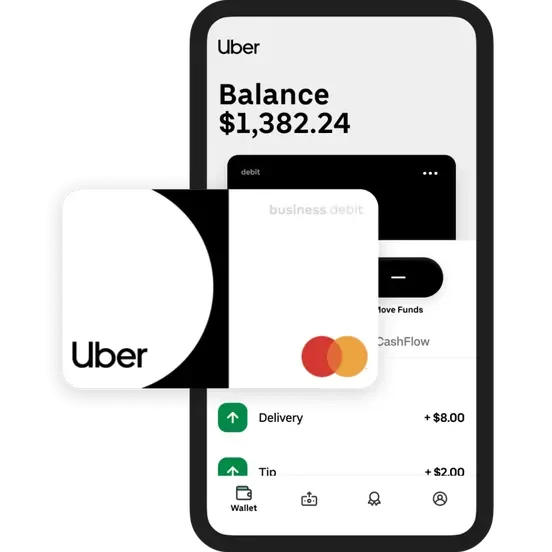
Now that you have downloaded the Uber Pro Card app, we will guide you through the steps to log in and set up your Uber Pro Card account so we can assist with any applicable disputes, reports, and additional bonus payments. No worries! Uber Pro Card is only being used temporarily during the verification process. We understand that you may currently use Instant Cash Out or weekly direct deposit and may prefer not to continue using the Uber Pro Card afterward. Using Uber Pro Card during this verification process will not affect any other active payment methods on your account.
Inside your Uber Pro Card app
Please follow these steps to ensure your account can be verified successfully on Uber Pro Card:
Open the Uber Pro Card app and select Sign Up
Enter your phone number or email address, then select Continue
Once you receive your 4-digit verification code, enter the code and select Next
Create a secure password for your account
Review and allow the requested app permissions to complete the setup.
Once you have completed the setup, you may return to this page and select Next below to continue.